

StableLance uses the Polygon network.Make sure that all transactions done to and from StableLance are in this network. Mismatching networks may result in being unable to retrieve the money sent (transactions are irreversible).
Step 1: Register with an exchange wallet
You can use any exchange wallet — we recommend OKX or Binance.Register with OKX
Register with OKX
- Download the OKX app or install the OKX Wallet browser extension.
- Tap Sign Up and register with your email or phone.
- Complete KYC (identity verification) if required.
Register with Binance
Register with Binance
- Download the Binance app and register using your email or phone number.
- Complete verification (KYC).
Step 2: Create your StableLance account
- Go to https://stablelance.com.
- Click Sign Up or Login.
- Fill in your details and confirm your email.
We’ve merged everything into 1 account. Freelancers can get hired or post jobs and hire others.
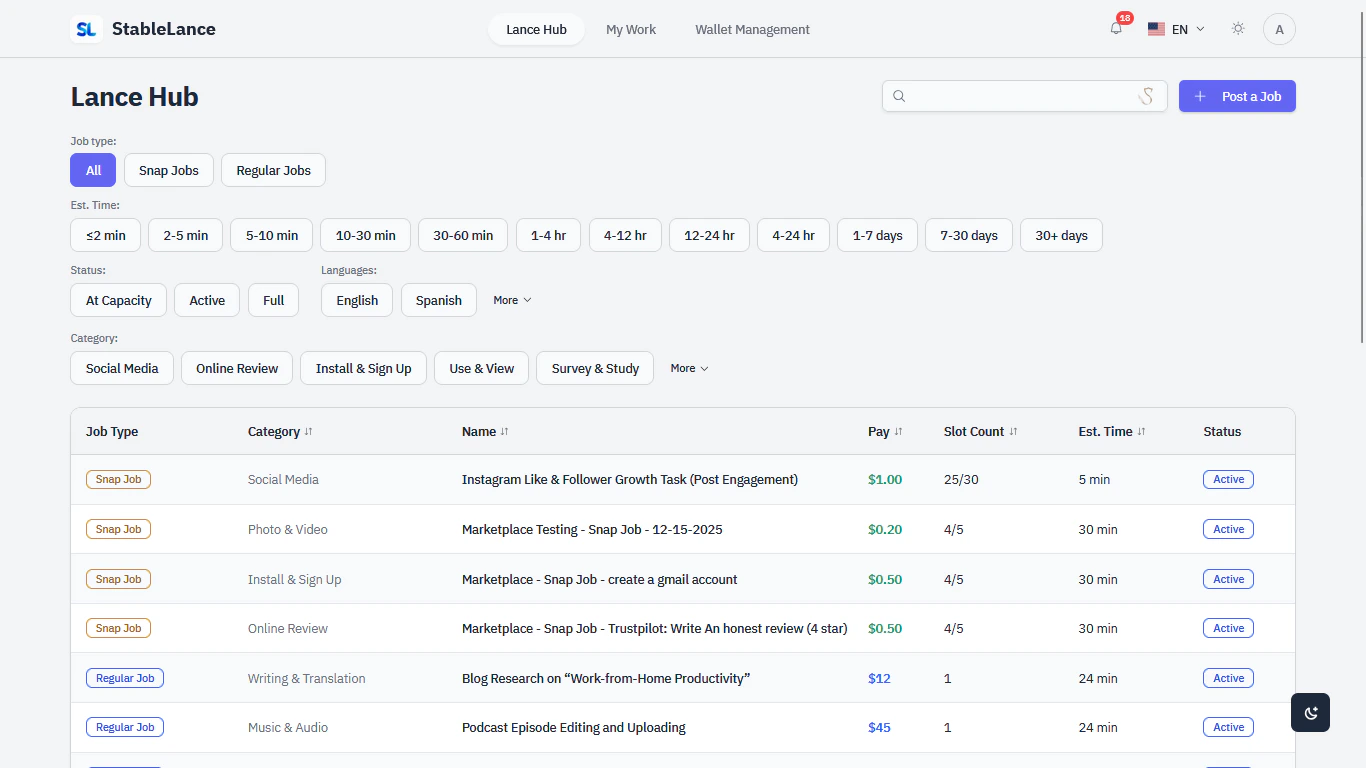
Go to StableLance
Register and set up your StableLance wallet in minutes.
Before transferring funds
- Double-check the imported wallet address matches your StableLance address.
- Send a small test amount first.
- Keep some POL for network fees (depending on chain).
Need help? Contact or message us directly in your dashboard.